Morse Scout: Morse code trainer

A standalone Morse code trainer with a touchscreen, real key inputs and offline speech.
Morse Scout helps you learn and practise Morse code (CW) without a computer, phone app or internet connection. Plug in your own straight key, paddle or bug, choose an activity on the 7-inch touchscreen, and practise sending or copying at the speed you choose.
Morse Scout grew from a simple idea: make a dedicated trainer that puts sending first. Its microcontroller processes key input with millisecond accuracy, while the dual-core processor keeps keying and the interface responsive. It supports straight keys, bugs with electronic debouncing and scratch filtering, and paddles using Iambic A or Iambic B keying.
What you can do
Practise sending and receiving, at your own speed.
Send Practice
Key freely with your straight key, paddle or bug and see what you sent decoded on screen, so you know straight away whether your characters and spacing read the way you meant.
Copy games
Morse Scout sends a letter, word, abbreviation or callsign and you send it back. Each correct answer adds to your score; Copy Call can also show the country.
Timing Check
Send one character on a straight key or bug and compare your timing with ideal Morse timing, with a score, your speed and a specific suggestion to improve.
Receive practice
Copy random letters, words and phrases from lists, or whole books from a microSD card. Receive Words can speak each word aloud so you can check your copy without looking.
Learn step by step
Learn the code using the Koch method

Start with a small character set, then add one character at a time as your accuracy improves. Separate copying and sending exercises help you recognise each sound and reproduce it with your own key.
Build recognition
Play flashcard games
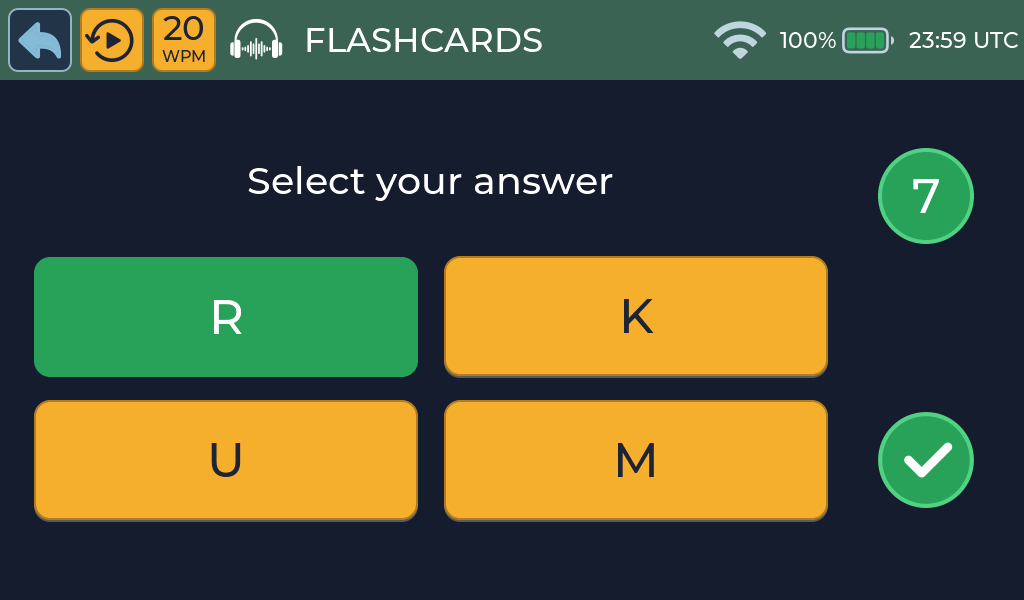
Turn character recognition into a quick, repeatable game. Hear a character, choose the answer and get immediate feedback, helping the sound become familiar without relying on a printed chart.
Improve your fist
See your timing, not just your copy
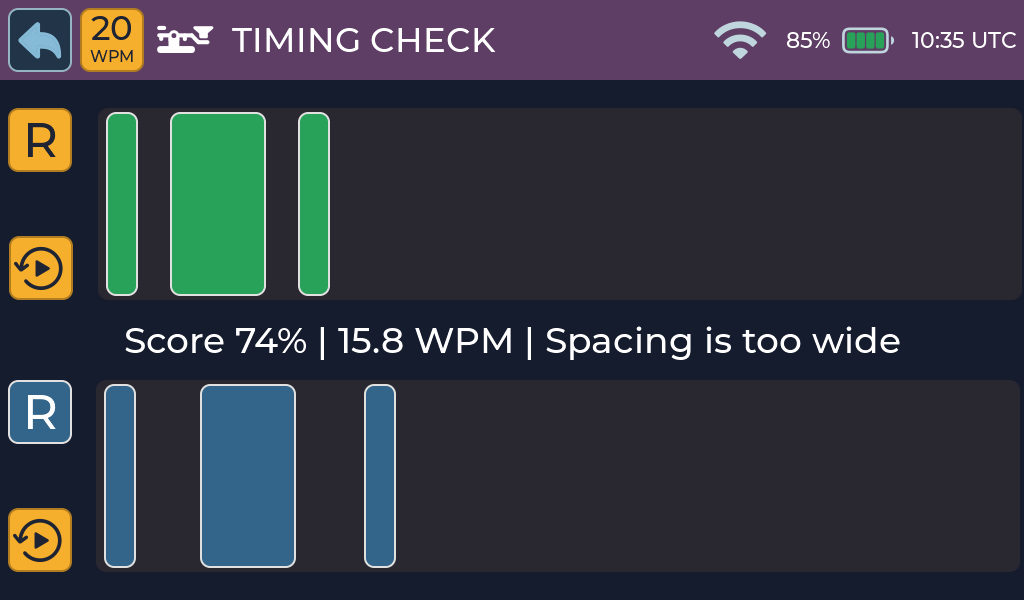
Timing Check records a character sent with a straight key or bug and compares every mark and space with ideal Morse timing. Review the visual comparison, your speed and a focused suggestion, then send it again.
Practise freely
Use the Practice Oscillator
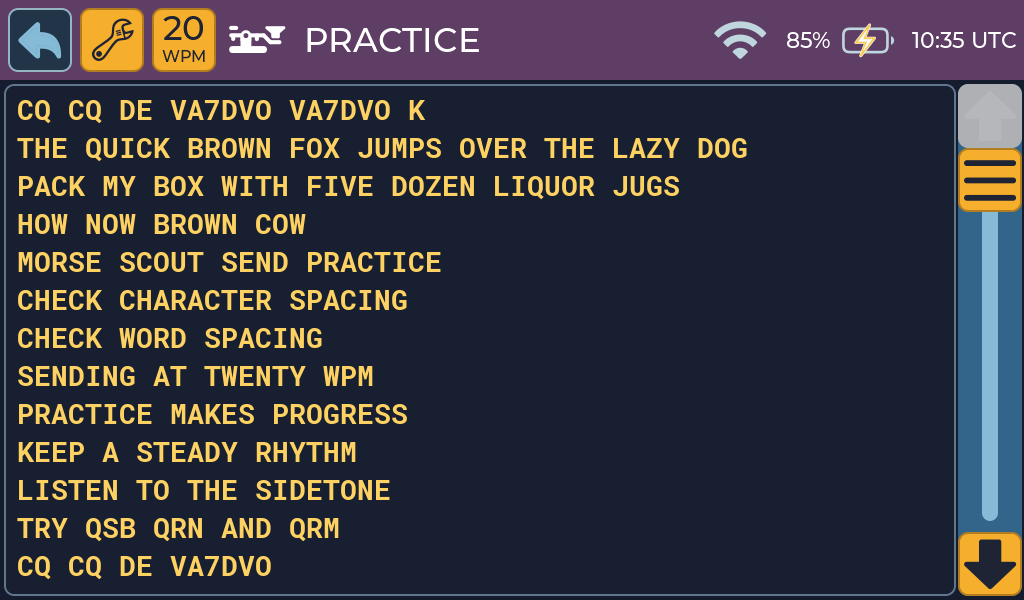
Send freely and see each decoded character, along with character and word spacing. Adjust speed and sidetone, display prosigns, or add QRN, QRM and QSB to practise while conditions are less than perfect.
Copy by ear
Receive words and sentences

Listen to words, abbreviations and sentences at your chosen speed and write down what you hear. Replay the Morse when needed, hear the answer spoken aloud, then reveal the text to check your copy.
Settle into longer copy
Receive complete books
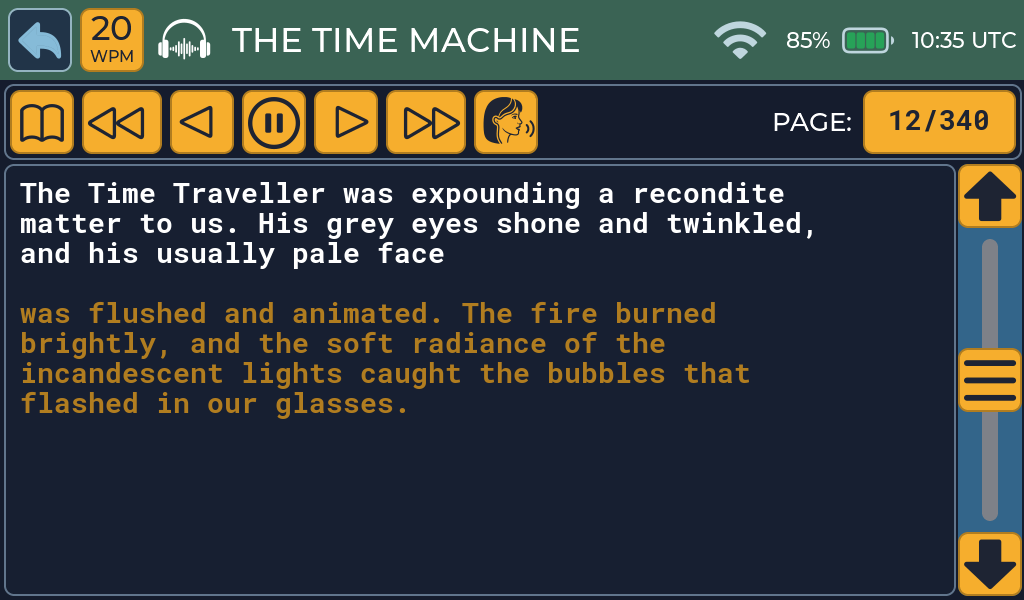
Move beyond short drills and copy a complete book in Morse code. Load plain-text books from a microSD card, follow your place on screen and continue through longer passages at a comfortable pace.
Learn by sending
Copy it, then send it back
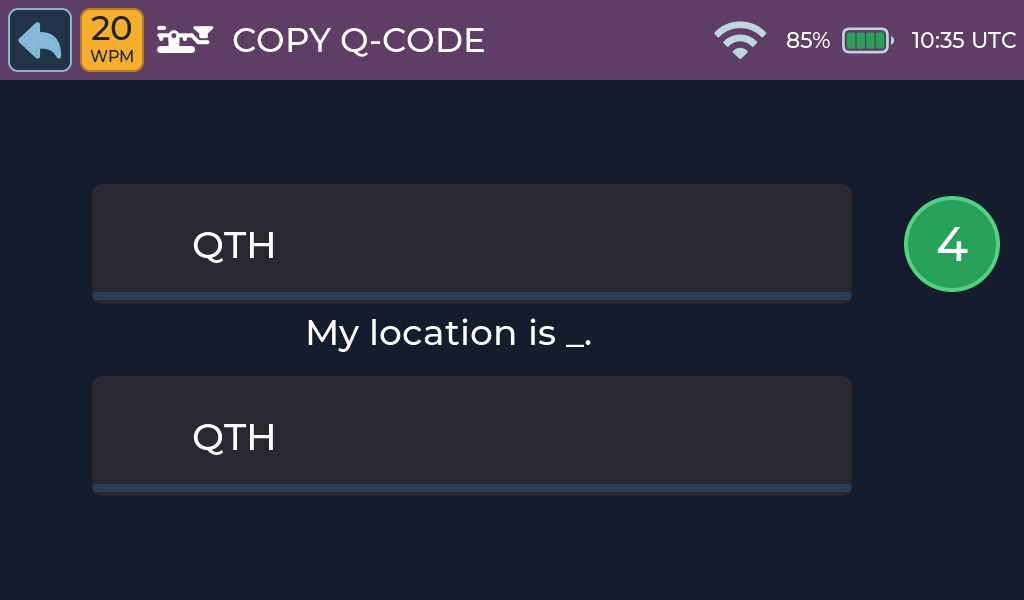
Hear one or more characters and send them back with your key. Build practical operating vocabulary with abbreviations and Q-codes, or practise callsigns from different countries and learn where each prefix comes from.
Getting started
Plug in your key and start practising
Morse Scout works with the keys you already own and needs nothing else to run. The User Manual walks you through setup in about fifteen minutes.
Three key inputs
Connect up to three keys at once. Set each input as a straight key, a paddle with Iambic-A or Iambic-B keying, or a bug, and use whichever you like.
Works offline
Every activity works without a network. The voice runs on the device itself. Wi-Fi is optional and is only used to set the clock.
Easy updates
Install new firmware from Chrome or Edge on a computer, with no software to install. A normal update keeps your settings, saved networks and content.
Why Morse Scout
Real keys, real timing
A built-in iambic keyer, bug support and a sidetone that follows your key closely, from 3 to 50 WPM with Farnsworth spacing.
A natural offline voice
Spoken answers come from a compact neural voice that runs on the device, so you can check your copy by ear without going online.
Open by design
The firmware, custom I/O board and enclosure are planned to be published as open source, so you can study them and build your own.
FAQs
Do I need a computer or internet connection to practise?
No. All training activities work offline. Wi-Fi is only used to set the clock, and a computer is needed only for firmware updates.
What keys can I use?
Straight keys, paddles (single or dual lever) and bugs. You can connect up to three keys at once.
Can I practise receiving without a key?
Yes. The Receive activities need no key.
How fast can it go?
From 3 to 50 words per minute, with optional Farnsworth spacing.
Will I lose my settings when I update?
No, as long as you leave “Erase device” unchecked in the updater.
Can I add my own words and books?
Yes. Copy word lists and plain-text books to a microSD card and choose them on the device.
Can I build my own?
The hardware is planned to be released as open source. The custom I/O board is still a prototype; see Build Your Own for the current status.
Is Morse Scout the same as Morse Tutor?
No. Morse Scout is an independent design, inspired by the original Morse Tutor by Bruce E. Hall, W8BH.
Get started
Ready to start practising?
Read the User Manual to set up your key and choose your first activity, or follow the blog for product news and releases.