What this activity teaches
The Koch method teaches Morse by sound from the start, at a full character speed, introducing a few characters at a time. Each round, Morse Scout sends one character, gives you time to name it, tells you the answer, and then asks you to send it back.
What you need
- A key connected and set up in Keyer settings, for the send-back part of each round.
How to start
- On the main menu, select Receive.
- Select Koch Method. The lesson selection screen opens.
- Tick the lessons you want to practise. On first use, only lesson 1 is ticked.
- Select Start. Start is unavailable when no lesson is ticked.
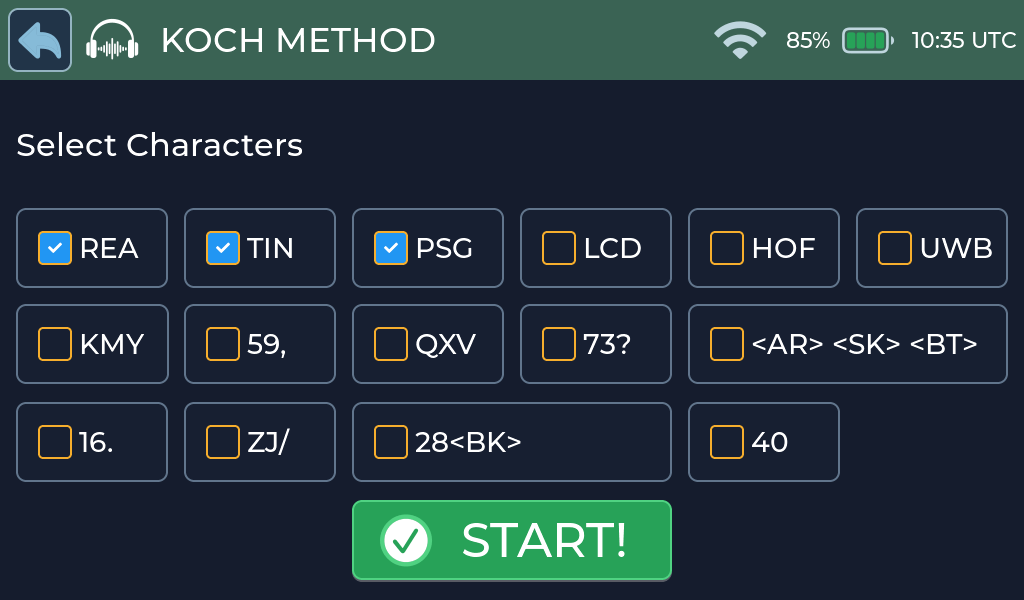
The Koch Method setup screen shows all 15 lesson groups at once. Each checkbox contains the characters added by that lesson. For example, REA, TIN and PSG for lessons 1 through 3. You can select any combination. Your lesson choice is saved when you select Start, and the game draws characters from all selected groups.
Lessons
| Lesson | Characters | Lesson | Characters |
|---|---|---|---|
| 1 | R E A | 9 | Q X V |
| 2 | T I N | 10 | 7 3 ? |
| 3 | P S G | 11 | <AR> <SK> <BT> |
| 4 | L C D | 12 | 1 6 . |
| 5 | H O F | 13 | Z J / |
| 6 | U W B | 14 | 2 8 <BK> |
| 7 | K M Y | 15 | 4 0 |
| 8 | 5 9 , |
Screen and controls
The game screen has a character panel and an answer panel. The Receive title bar provides Back, Replay, and the character-speed control.
How to play
Each round follows this sequence.
1. Get ready
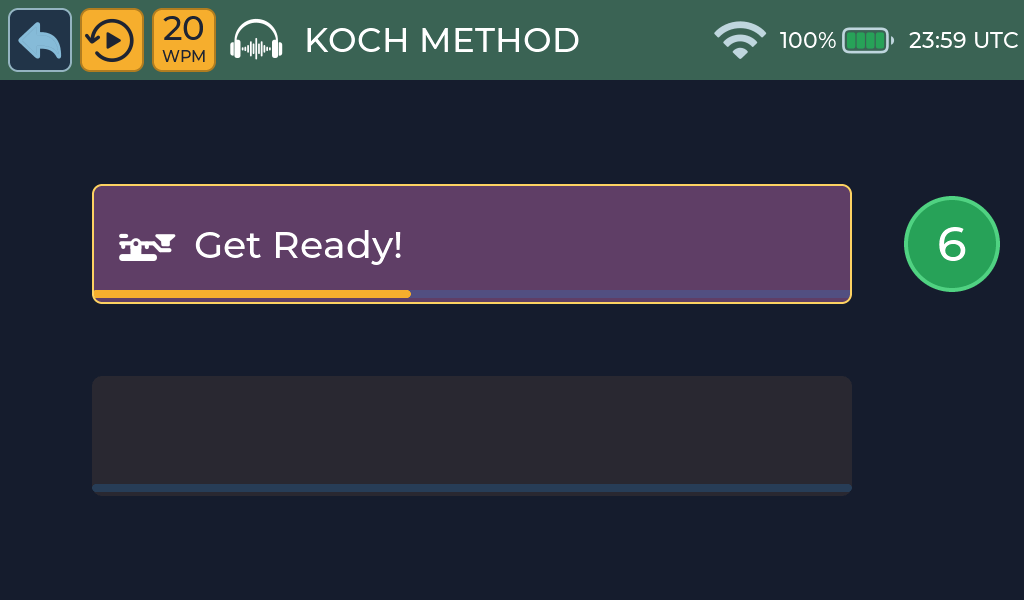
The game gives you a moment to prepare before playing one character from your selected lessons.
2. Identify the character
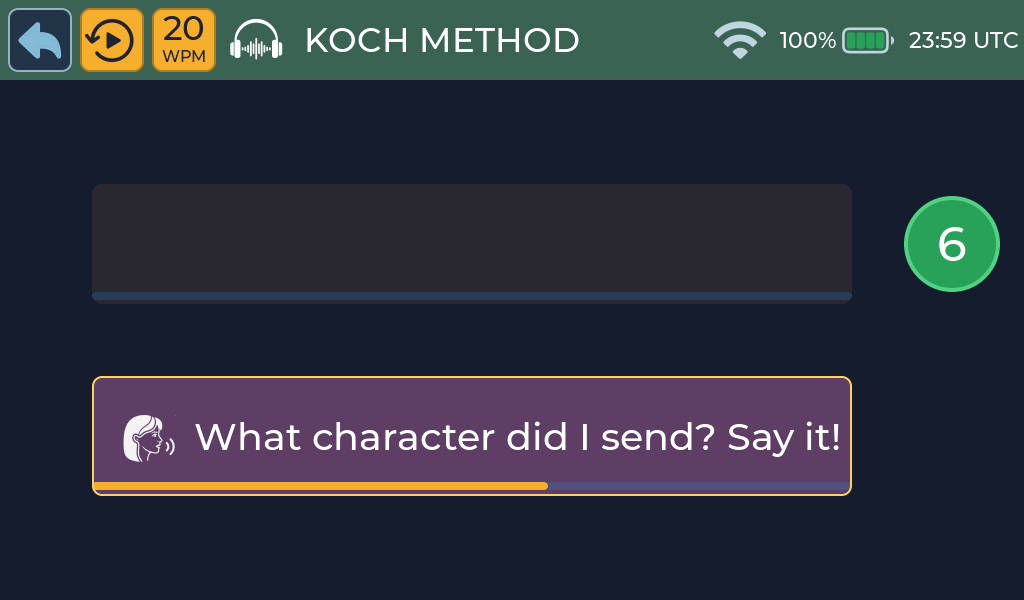
When What character did I send? Say it! appears, name the character before the countdown ends. The purple panel and talk icon mark your active response.
3. Hear the answer

Morse Scout reveals the character, says it, and repeats its Morse pattern.
4. Send it back
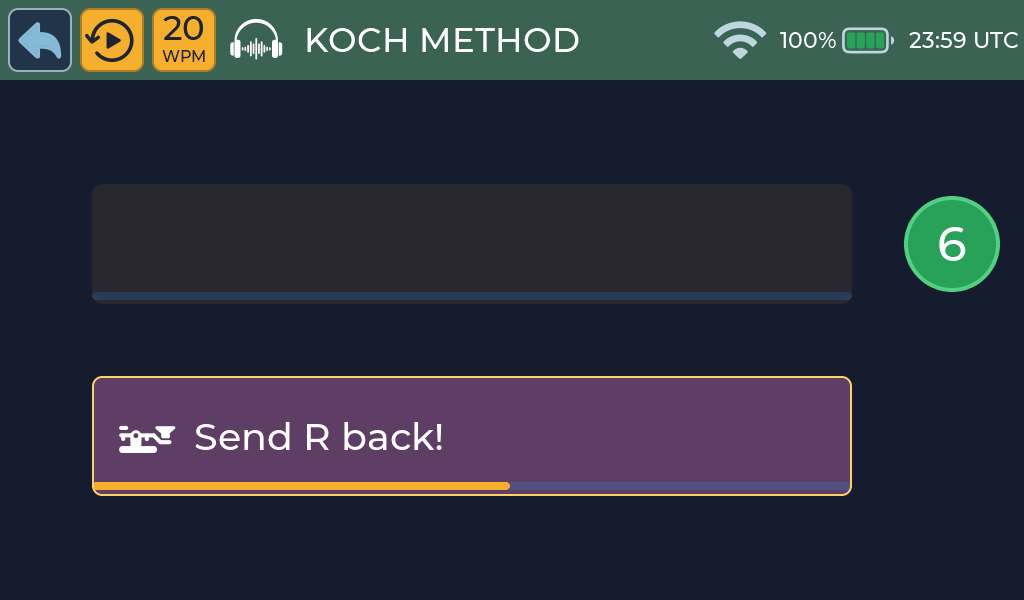
When Send R back! appears, send the displayed character using your key or paddle before the countdown ends.
5. Check the result
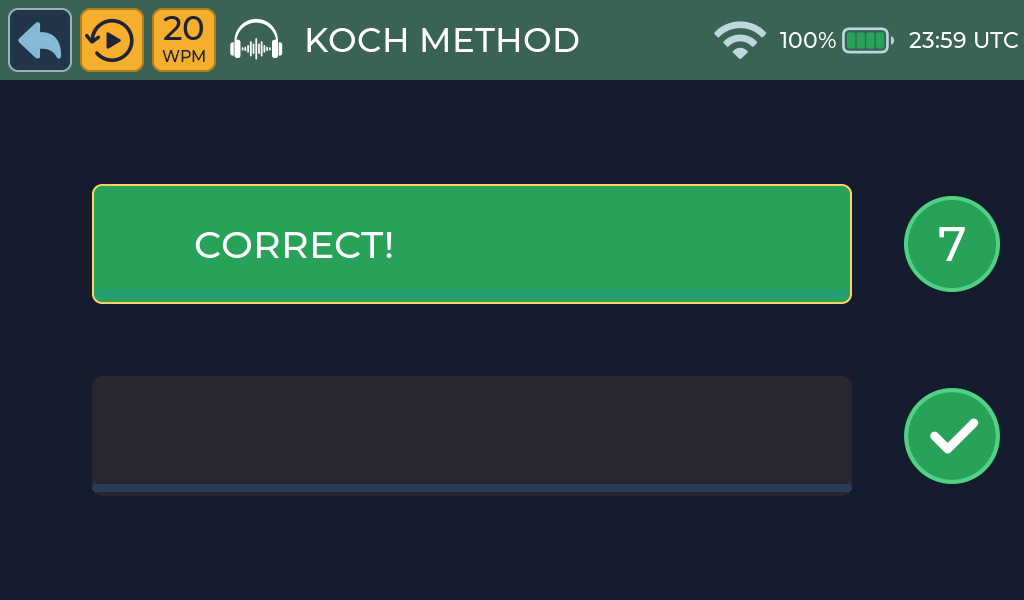
A correct response is confirmed in green and increases your score by one.
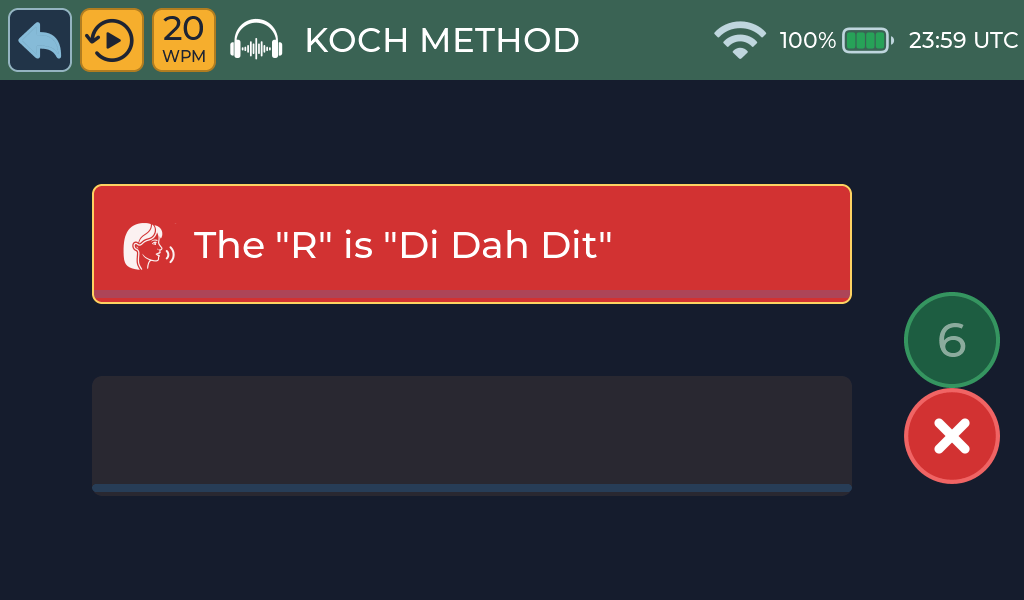
After an incorrect response or no answer, the red panel shows the character and its spoken pattern, such as The “R” is “Di Dah Dit”. Your score returns to zero.
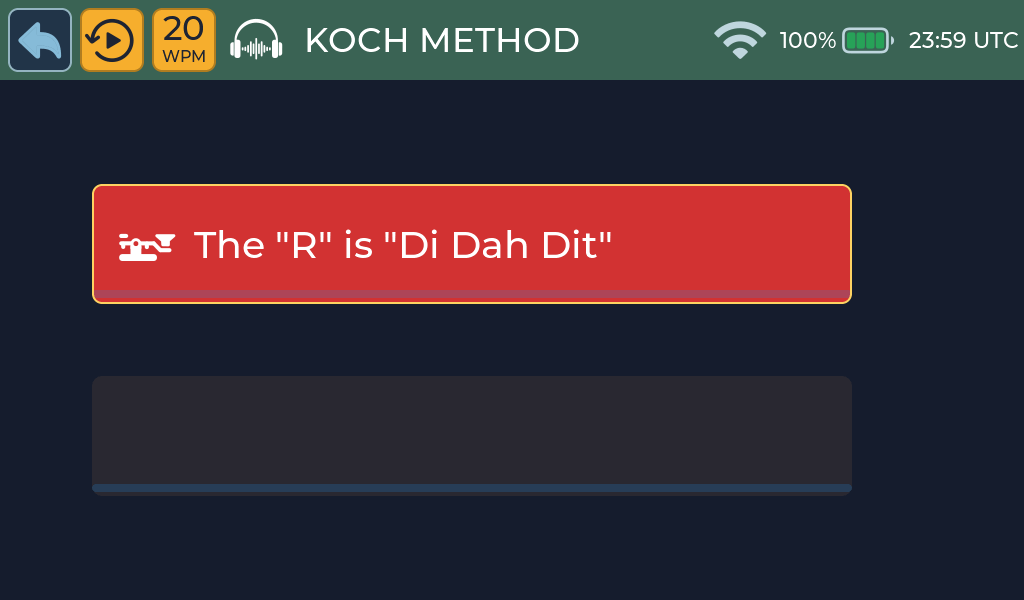
Morse Scout then replays the correct pattern before beginning another round.
You can use your key and hear its sidetone throughout the activity. Only Morse started after the Send … back! prompt is evaluated; earlier sending is discarded.
If the voice is not available, the round continues without speech.
Scoring and feedback
Your score is the number of correct answers in a row.
Activity options
- Lessons: choose any combination.
- Speed: the title-bar speed control sets the character speed. A change takes effect from the next round.
Recognition and answer times are fixed.
Practice tips
- Start with lesson 1 only. Add the next lesson when you are getting most rounds right.
- Name the character out loud; it makes the link between sound and letter stronger.
Common problems
- Your answer is ignored: wait for the Send … back! prompt.
- More help: Troubleshooting.