What this activity teaches
Copy Word trains you to send complete words with even character spacing. Morse Scout sends a word from its word lists, and you send it back.
What you need
- A key connected and set up in Keyer settings.
- Optional: your own word lists. See Word and phrase lists.
How to start
- On the main menu, select Send.
- Select Copy Word. The game starts straight away.
Screen and controls

The screen is the same as Copy One: a prompt panel, an answer panel, a score and the speed control.
How to play
- Watch and listen as Morse Scout sends the word.
- When the answer panel is highlighted, send the word.
- Morse Scout scores your answer and starts the next round.
Send the word back

Scoring and feedback
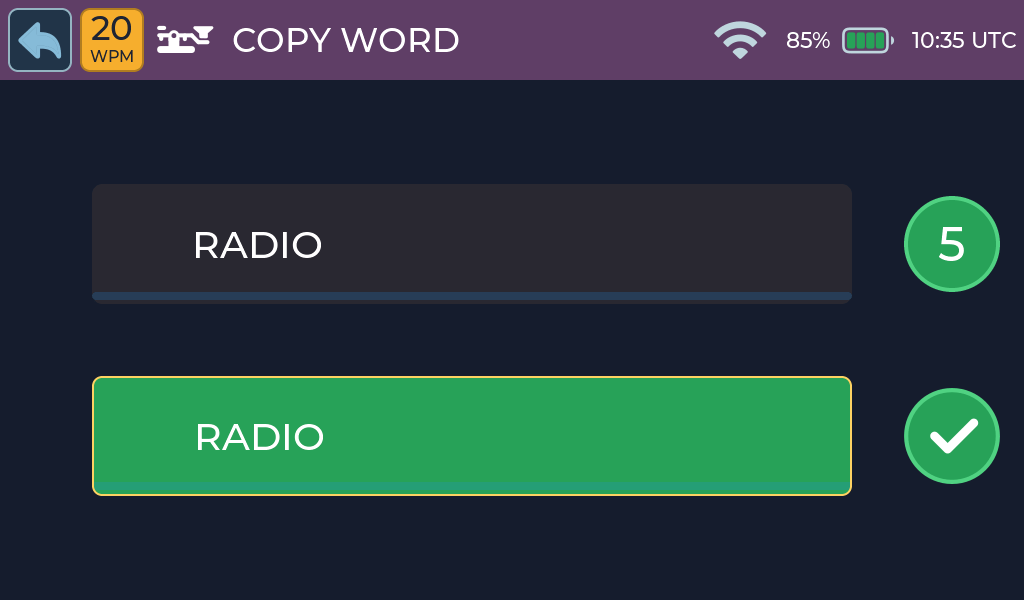
Correct answer
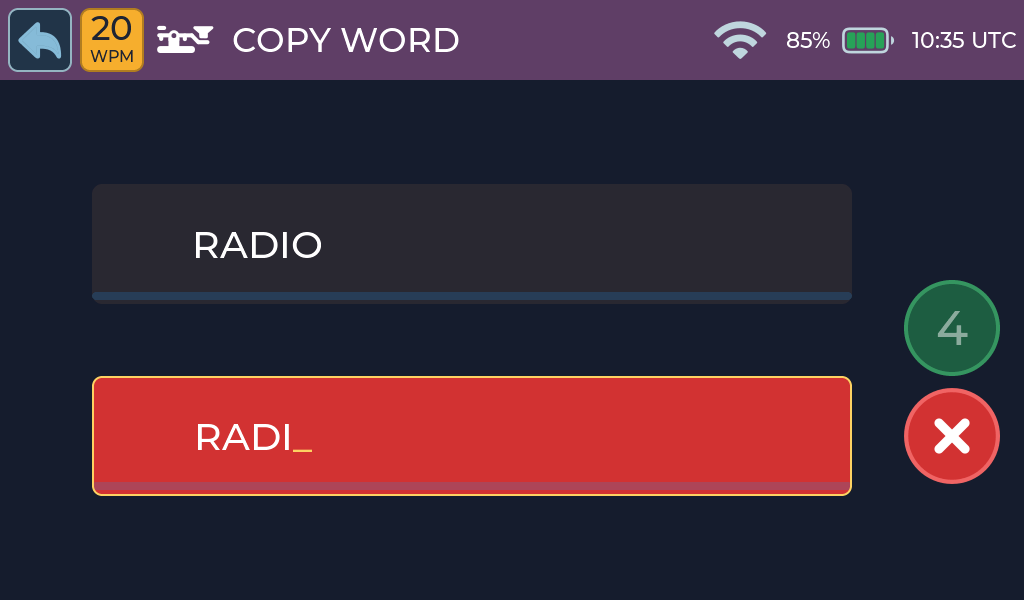
Incorrect answer
- Correct: a tick animation plays and the score increases by one.
- Incorrect: wrong characters show in red and the score returns to zero.
- Gap too long between characters: the answer fails and an underscore _ marks the gap.
- Word gap before the end of the word: the answer fails immediately.
Activity options
There is no setup screen. Words come from files whose names end in
_Words.txt in the lists folder on internal storage. Files on the microSD
card are used only if internal storage has none. If no list can be read,
Morse Scout uses a small built-in word list.
Copy Word loads up to 192 words when Morse Scout starts. With the supplied files, it uses the 1–3 letter word list followed by the beginning of the 1–4 letter word list. Lists in internal storage take priority; the microSD card is used only if no internal list is available. Restart Morse Scout after adding or changing a list.
Practice tips
- Keep the same rhythm for every character in the word.
- Lower the speed if you see underscores often; a slower speed allows longer gaps.
Common problems
- Only very simple words appear: Morse Scout may be using its built-in list because no word list was found. See Word and phrase lists.
- More help: Troubleshooting.