What this activity teaches
Q-codes are three-letter codes beginning with Q, such as QTH (location) and QRS (send more slowly). Copy Q-Code helps you send them correctly and learn their meanings.
What you need
- A key connected and set up in Keyer settings.
How to start
- On the main menu, select Send.
- Select Copy Q-Code. The game starts straight away.
Screen and controls
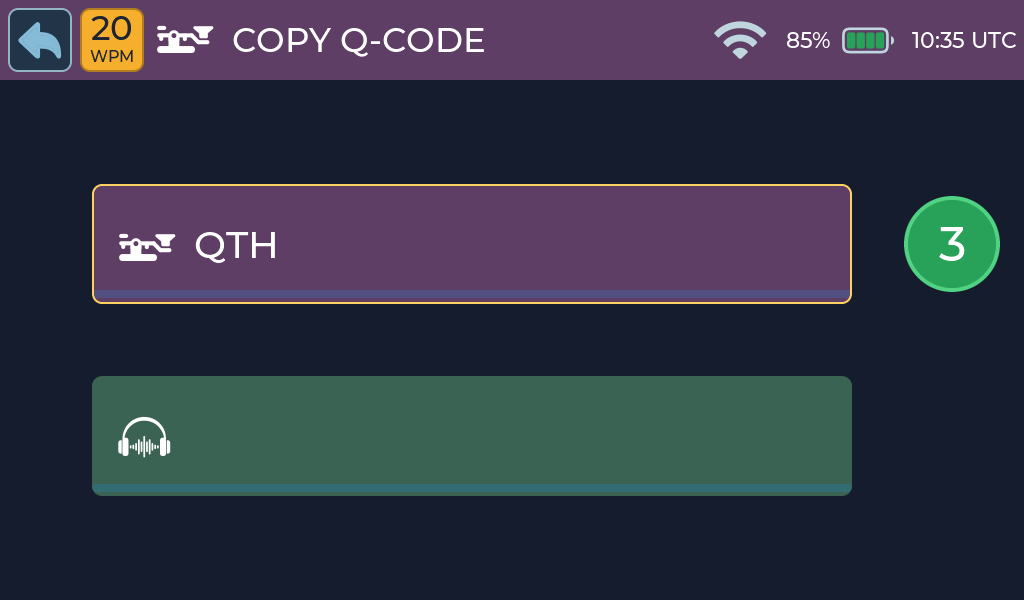
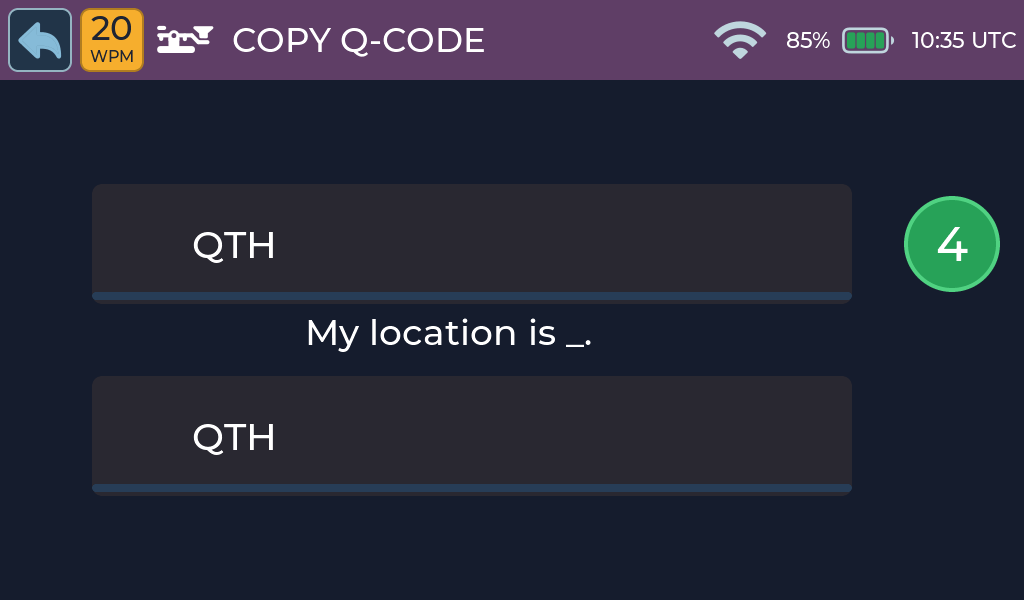
The screen is the same as Copy Abbreviation.
How to play
- Watch and listen as Morse Scout sends a Q-code.
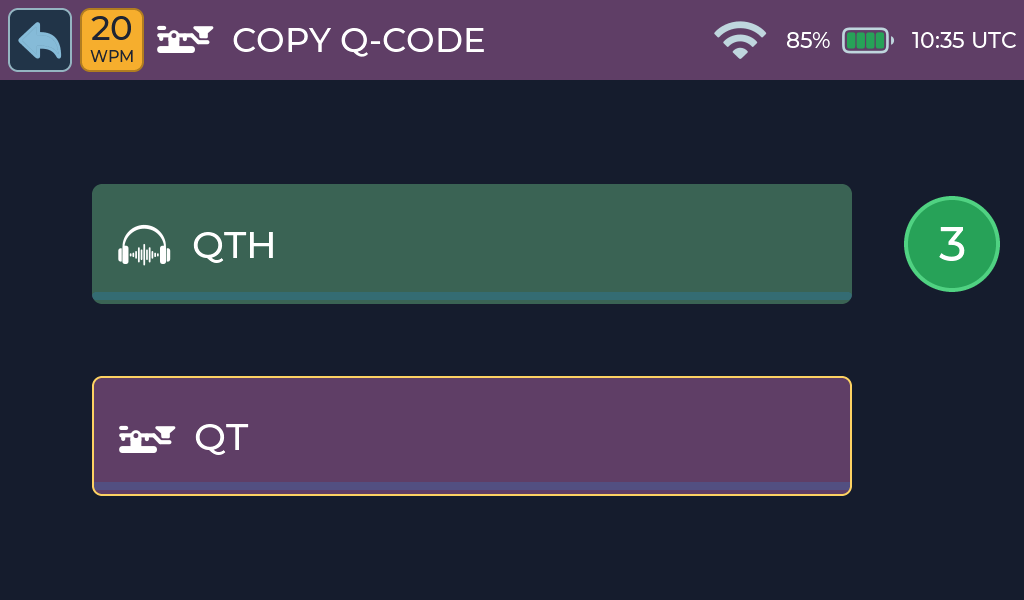
- When the answer panel is highlighted, send it back.
- Morse Scout scores your answer and shows the meaning for about three and a half seconds.
- The next Q-code is sent.
Send the Q-code back
Scoring and feedback
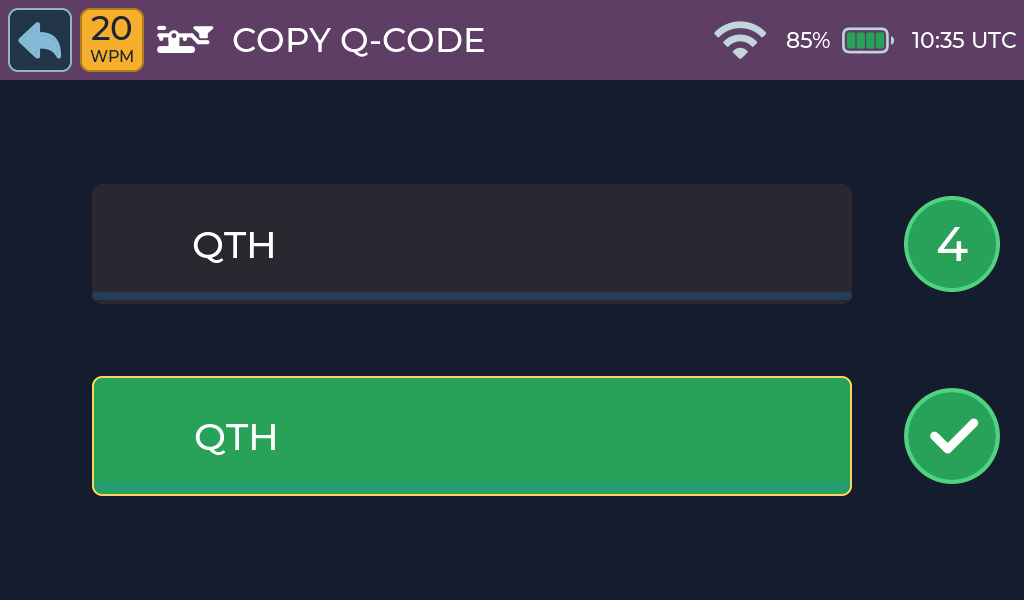
Correct answer
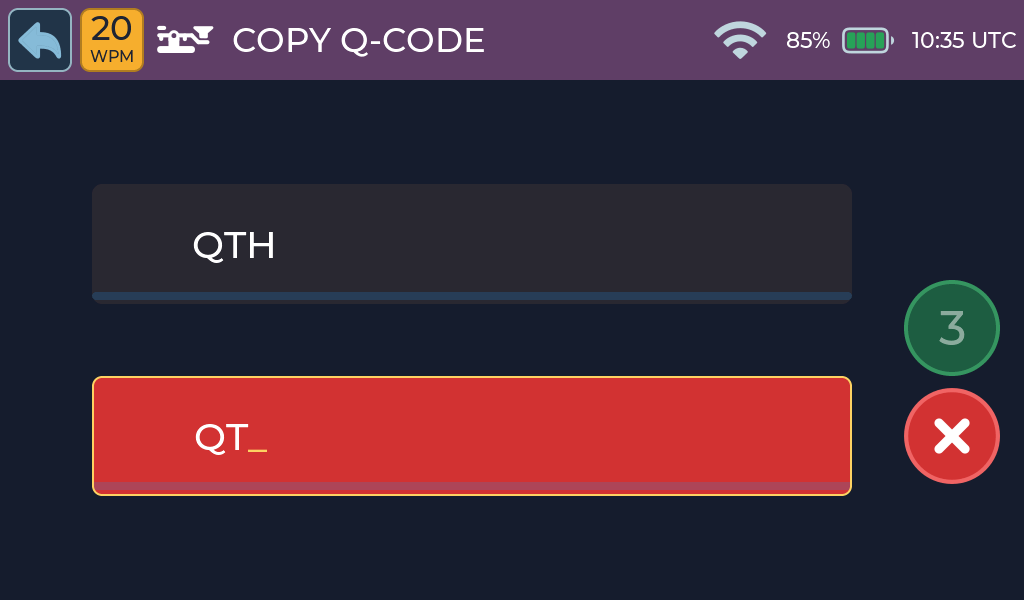
Incorrect answer
- Correct: a tick animation plays and the score increases by one.
- Incorrect: wrong characters show in red and the score returns to zero.
Learn the meaning
Activity options
There is no setup screen. Common Q-codes are chosen more often, and recently
used ones are not repeated straight away. Q-codes are read from q_codes.csv
on internal storage or the microSD card. If neither file is available, a
built-in list is used.
Practice tips
- Learn the most common Q-codes first: QTH, QRS, QRQ, QRM, QRN, QSB, QSL, QRZ.
Common problems
- More help: Troubleshooting.